Follow · Free
Follow your favorite team. Know the score.
Search for your local high school or club team, follow it, and see its live scores and results in one place. Free to follow.
No cost, no subscription · A free account is needed to follow a team
In the app
Search, follow, watch the score
Screens from the app with a demo team list.
How following works
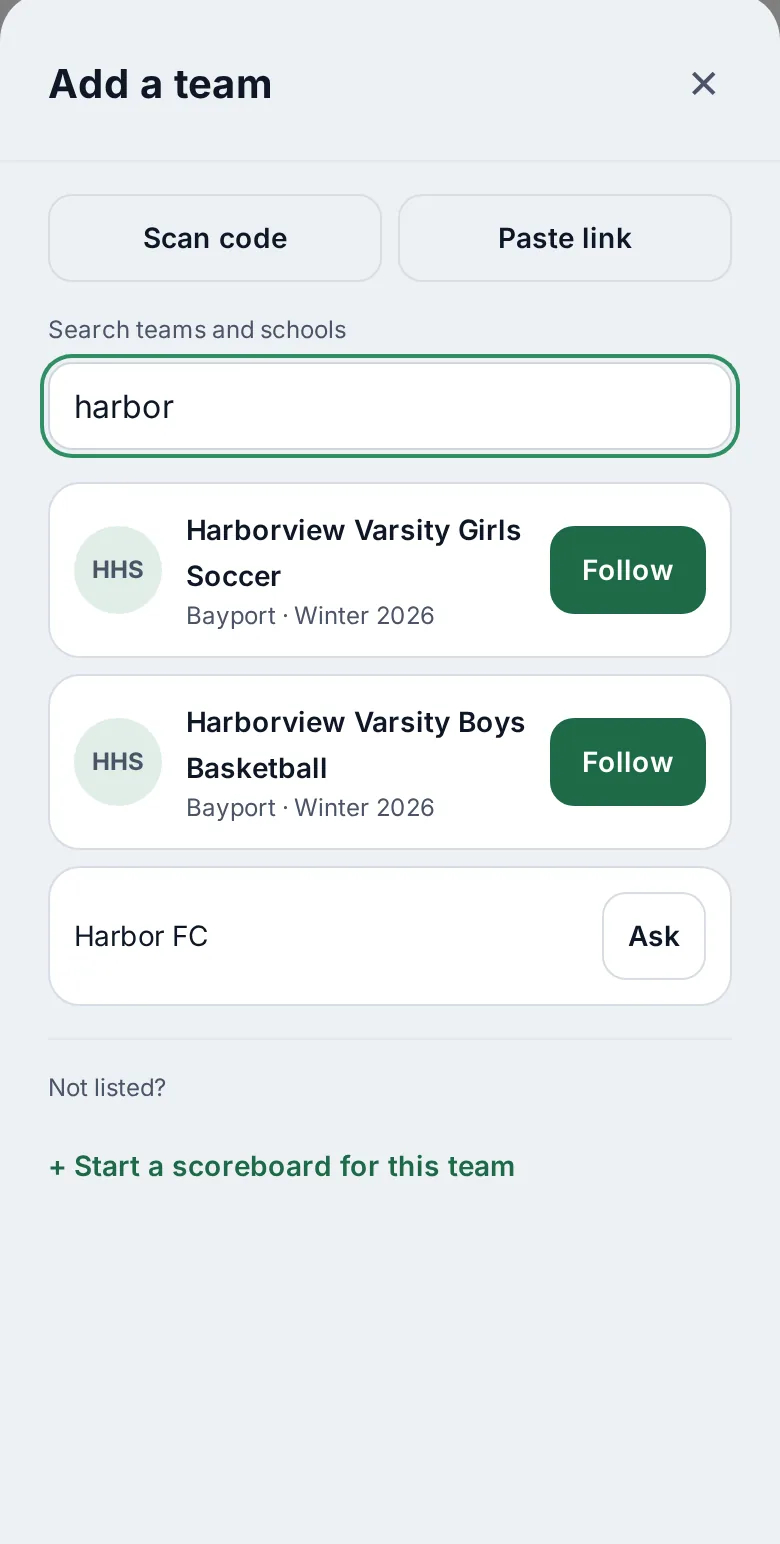
Search
Type a school, a team or a city. Narrow it by sport.
Follow
Tap Follow on the team. Have a team code instead? Enter it.
Watch the score
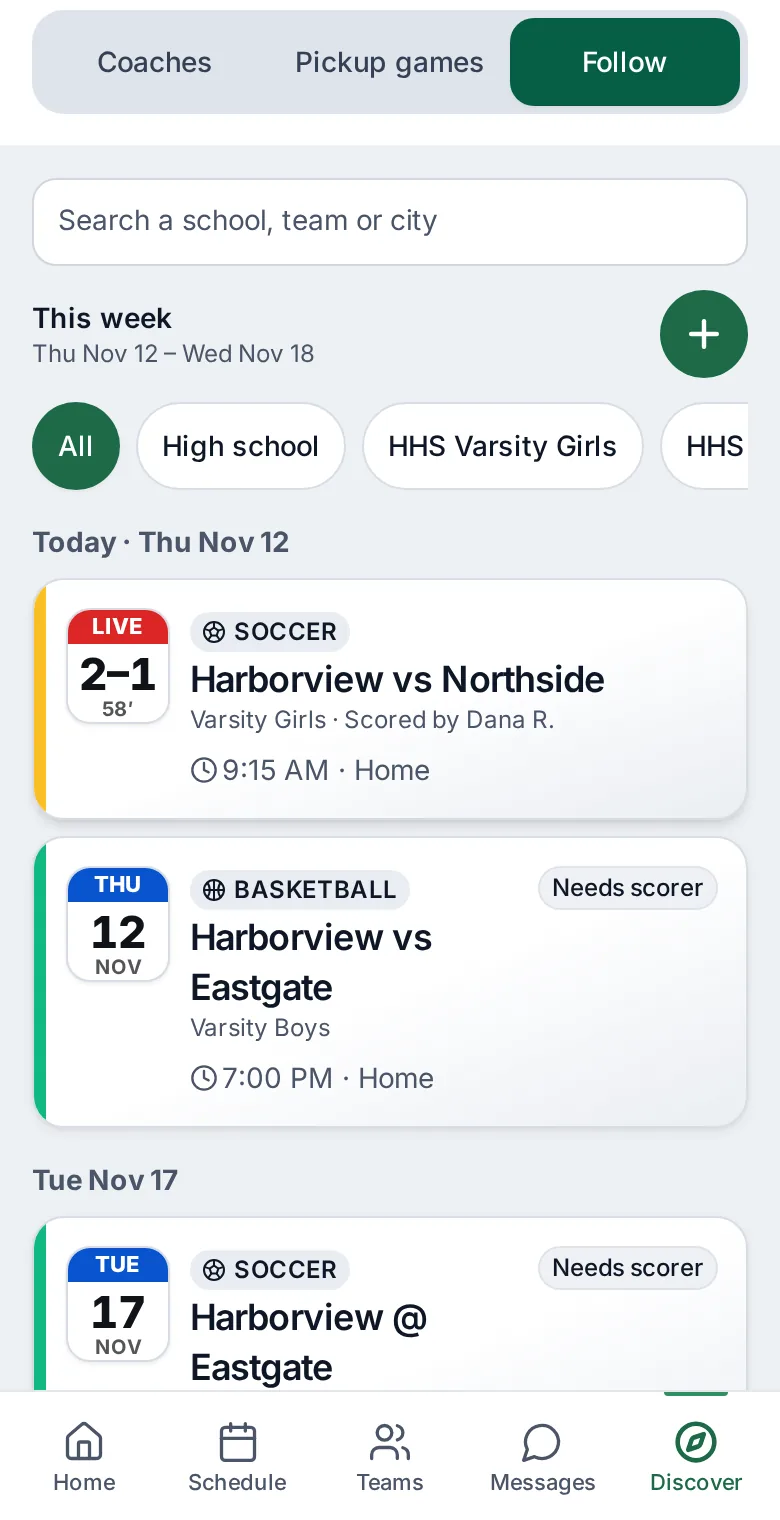
Live games, results and what is next, in one list grouped by day.
What you get
Find your team
Search by school, team or city, and filter by sport.
Live scores
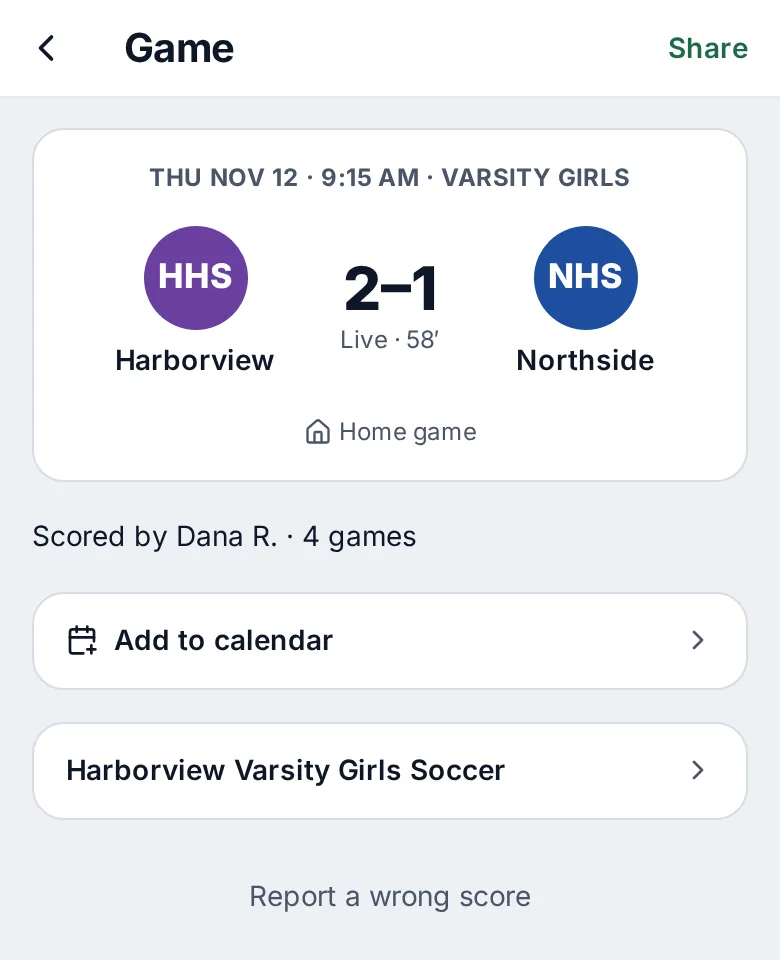
A followed game shows its score and the clock while it is played.
Results and what is next
Final scores, your team’s record and the next game, by day.
Enter a team code
A coach can share a code. Enter it to follow a team that is not in search.
Private share links
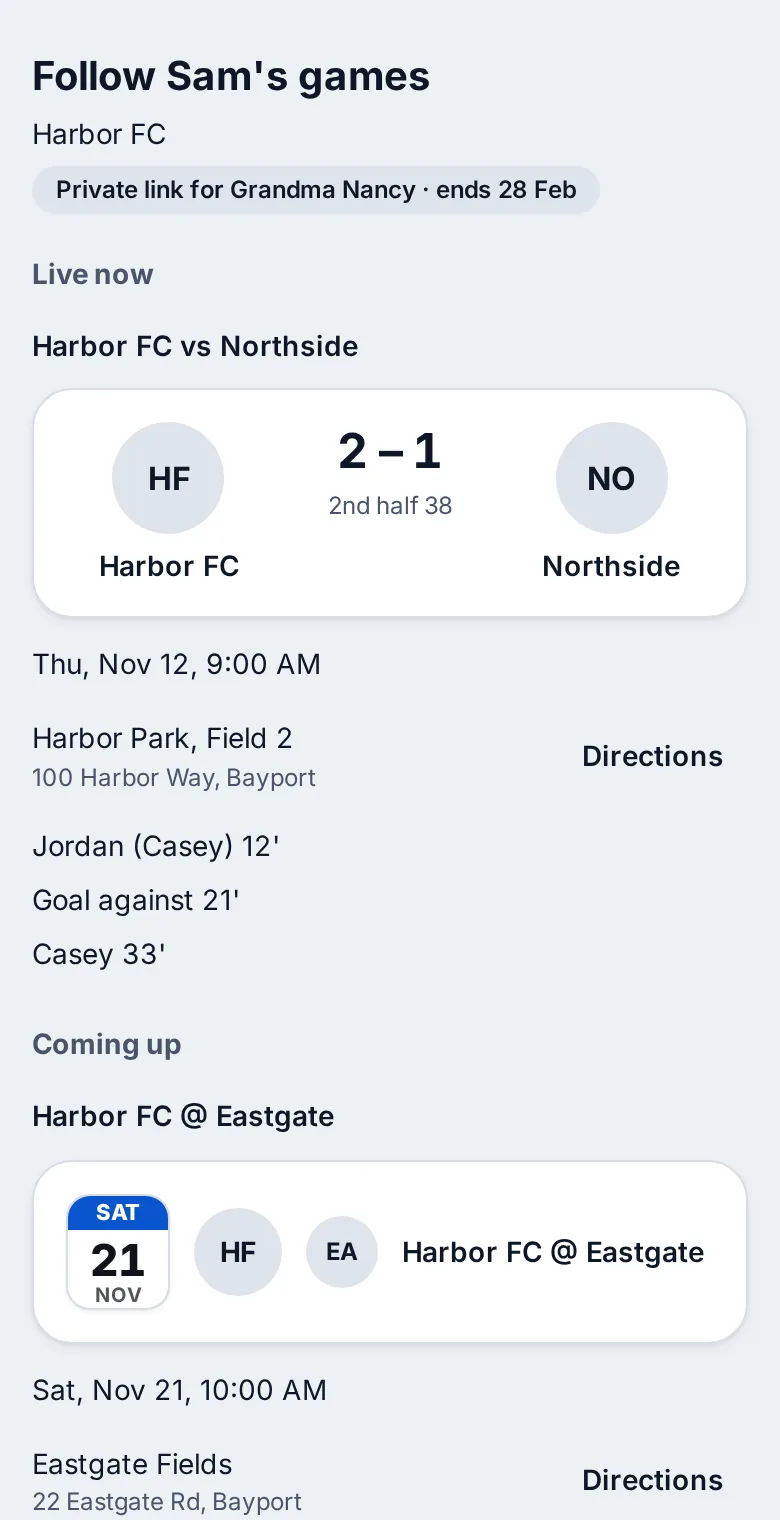
A family can share a player’s schedule with specific people they choose, such as a grandparent. It opens in a browser with no account.
No venue for public followers
Public followers see scores and results with Home or Away only, never the field or the address.
Share the schedule with someone you choose
A parent can share a player's schedule with a person they name, such as a grandparent, through a private link. It opens in any browser with no account. It shows the games, live score and results, the field name and address with directions, and first names for who scored. It never shows practices, RSVPs, messages or contacts. The parent can turn it off at any time, so share it only with the person it is for.
Public followers see scores and results with Home or Away only, never the field or the address.
Lock-screen scores are part of the iPhone and iPad app. Coming soon to iPhone and iPad